Case Study: Daily Arrival Report Automation
Project Overview
A practical automation project designed to streamline hotel logistics and guest administrative workflows. I developed a focused Excel VBA macro that automatically cleans, structures, and processes raw daily guest arrival data into a polished, operational format. This script eliminates manual formatting steps and ensures the morning logistics team gets accurate data instantly.
Role: Support Admin / Systems Coordinator
Tools Used: Excel VBA, Data Cleaning Logic
Key Focus: Data Standardization, Operational Efficiency, Error Prevention
1. The Operational Problem (As-Is)
Every morning, the front office and logistics teams require an accurate breakdown of guest arrivals to coordinate room allocations, VIP protocols, and custom requirements.
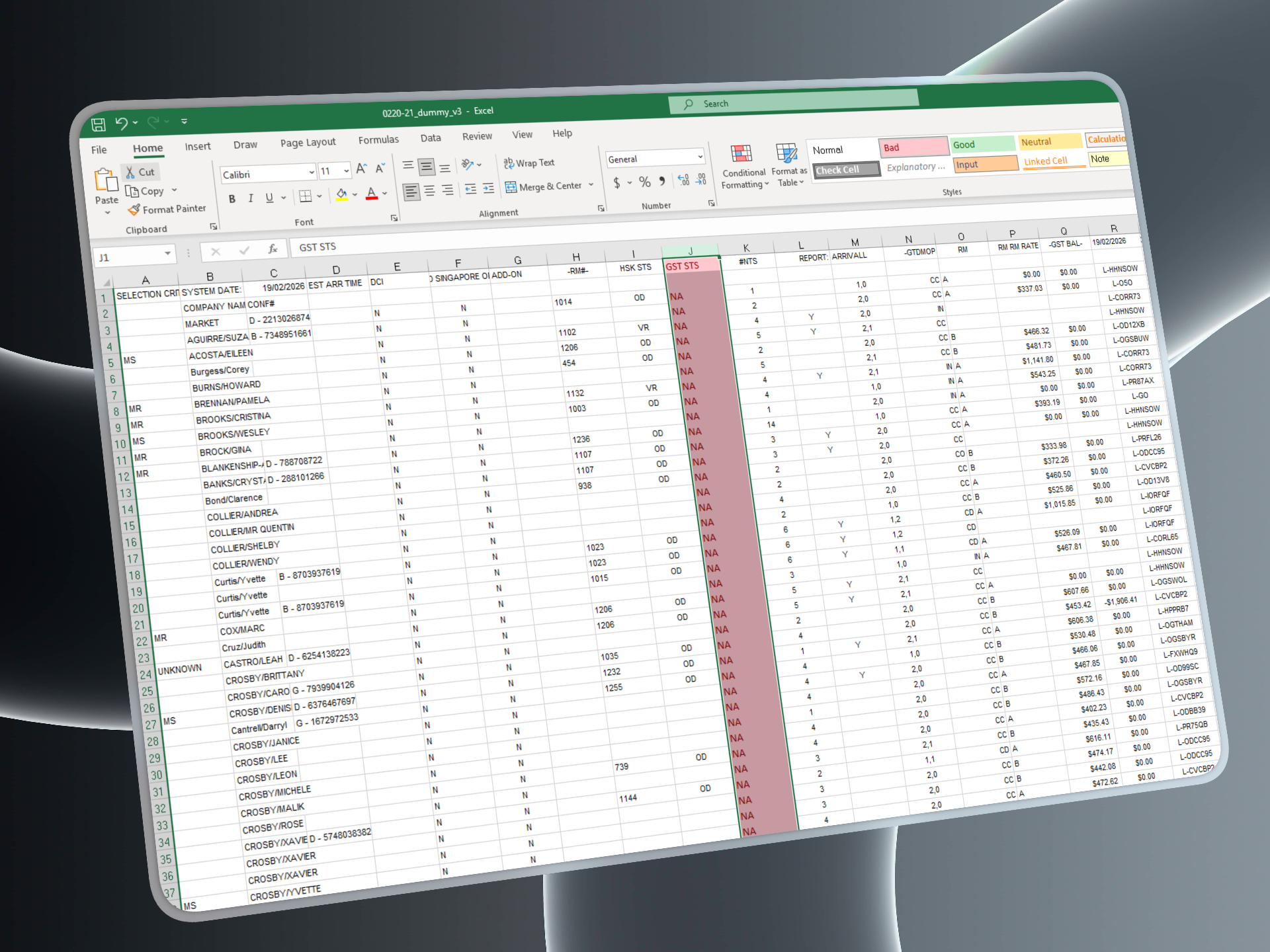
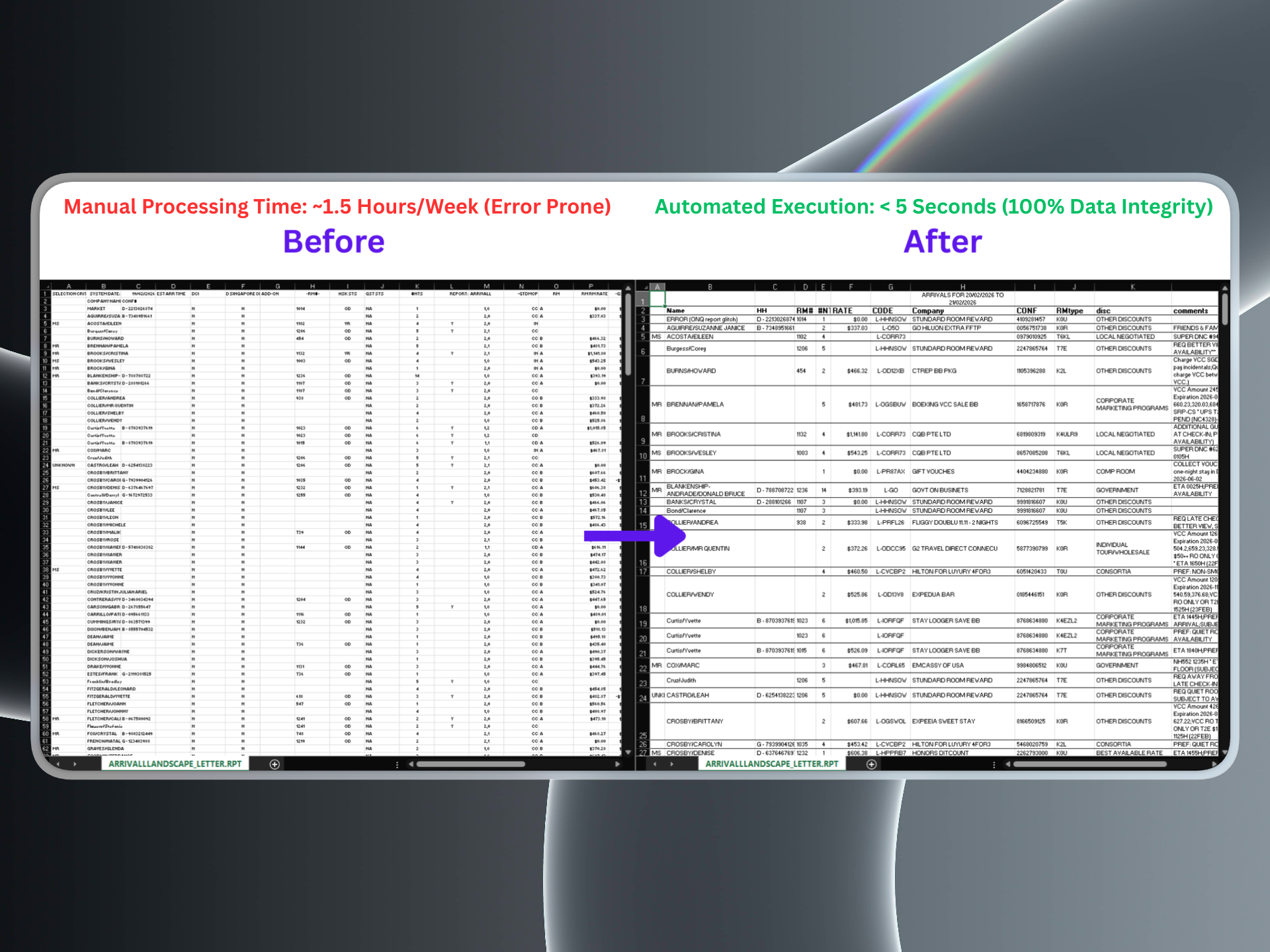
The Routine: Raw data extracted from the property management system arrives unformatted, containing excess tracking data, unstructured columns, and messy alignments.
The Bottleneck: Preparing this sheet manually every single morning requires repetitive column filtering, data sorting, and margin adjustments before it is safe to distribute to department heads.
2. How the Automation Works (To-Be)
I wrote a modular VBA script that takes the raw data export and structures it completely via a single-button execution.
[ Raw Report Input ] ──> [ Column & Row Trimming ] ──> [ Format Standardization ] ──> [ Distribution Ready Output ]Data Pruning: The script automatically loops through the active data range, dropping unnecessary columns and formatting variables that aren't relevant to the day-to-day operations team.
Text & Date Alignment: Programmatically standardizes date fields, cell borders, and alphanumeric strings so information is instantly scannable.
Layout Optimization: Automatically auto-fits cell widths and row padding so that zero manual resizing is needed before printing or PDF export.
3. Support & Maintenance Practices
To make sure the macro remains stable and easy to manage by anyone on the administrative team, the script includes proper developer practices:
Background Processing: Uses Application.ScreenUpdating = False to prevent visual screen flashing, allowing the macro to complete its entire cleaning loop in a fraction of a second.
Clean Code Structure: The code is written with clear variable definitions and internal annotations, making it easy to troubleshoot or modify if the backend report template layout updates in the future.
Source Code
Review the complete script structure, layout logic, and cell configurations transparently on GitHub:👉 View Repository on GitHub